


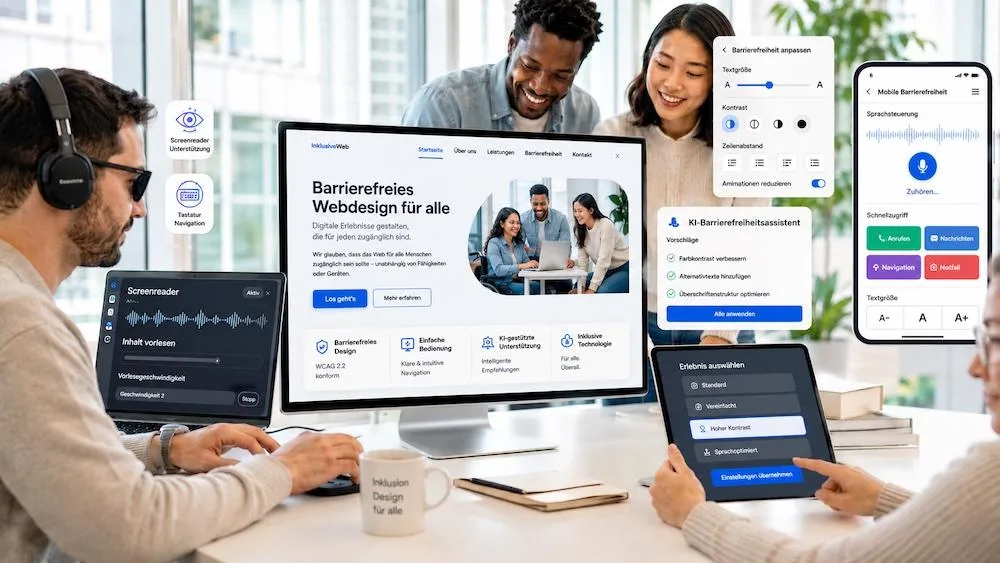
Website Accessibility in Rwanda: How to Make Your Business Website Easier for Everyone to Use
When a customer visits your business website, they should be able to understand the information, navigate the pages and find what they need without unnecessary difficulty.
However, not every visitor interacts with a website in the same way.
Some people use screen readers. Others navigate using a keyboard instead of a mouse. Some have difficulty reading small text, distinguishing colours or understanding complicated layouts. Others may simply be accessing your website on a small mobile screen or with a slow internet connection.
Website accessibility is about designing and developing websites so that more people can use them effectively.
For businesses in Rwanda, accessibility is an important consideration when creating professional websites for customers, employees, partners and the wider community.
1. What is website accessibility?
Website accessibility means making digital content and functionality usable by people with different abilities and access needs.
An accessible website should help visitors:
Perceive information presented on the page.
Navigate menus and website sections.
Understand written content and instructions.
Interact with forms, buttons and other features.
Access information using assistive technologies.
Accessibility is not a separate decoration added after website development. It should be considered throughout the design, development and testing process.
The World Wide Web Consortium (W3C) provides internationally recognised accessibility guidance through the Web Content Accessibility Guidelines (WCAG).
2. Use readable text and appropriate colour contrast
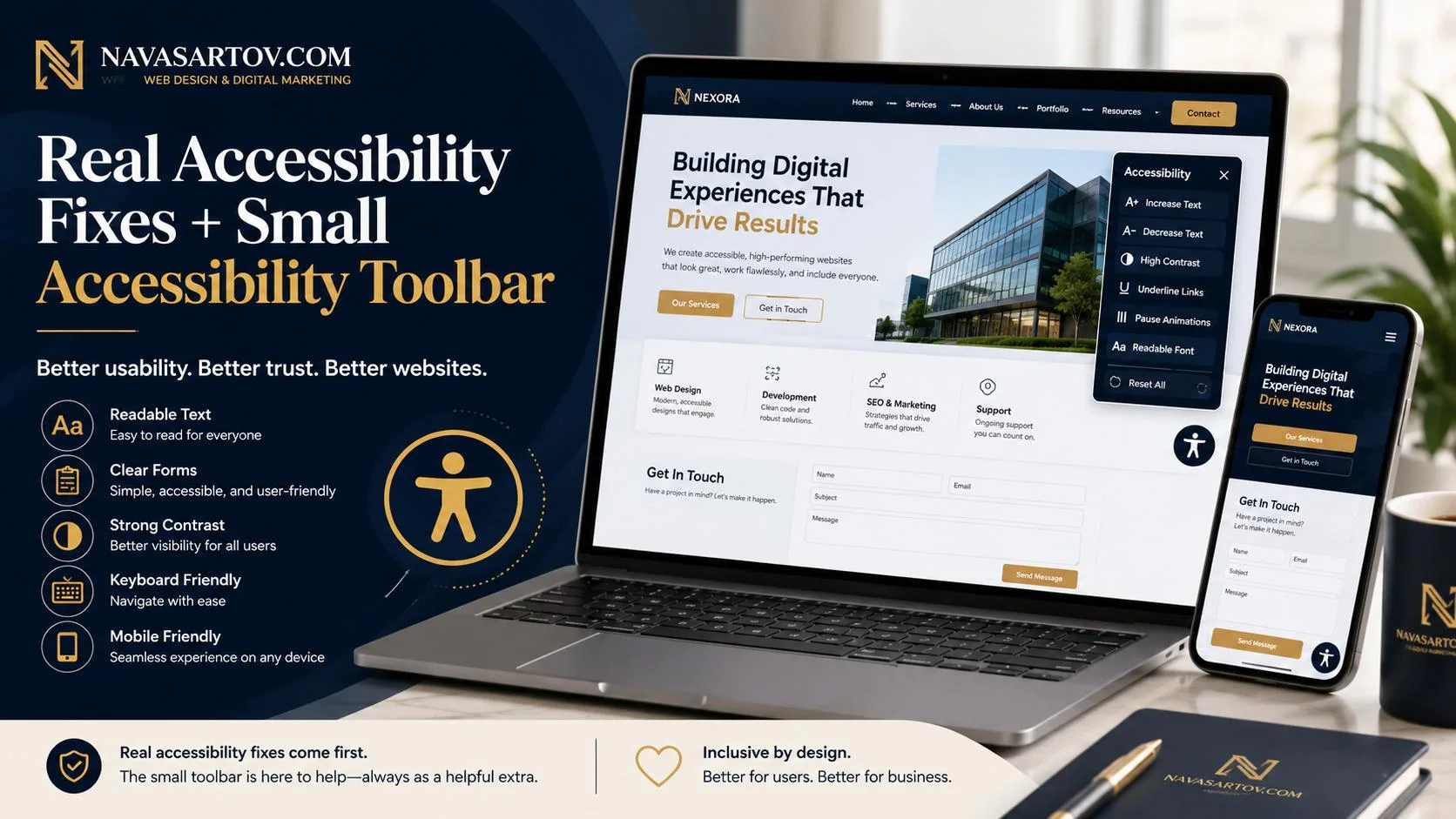
Text is one of the most important parts of a business website.
If visitors struggle to read your content, they may leave without understanding your services.
Consider the following practices:
Use readable font sizes.
Choose clear and familiar typefaces.
Maintain sufficient contrast between text and background.
Avoid placing text over busy photographs without a suitable background.
Use headings to organise information.
Allow text to resize without breaking the page layout.
For example, light grey text on a white background may look elegant to a designer but can be difficult for some visitors to read.
A professional website should balance visual identity with readability.
3. Make website navigation simple
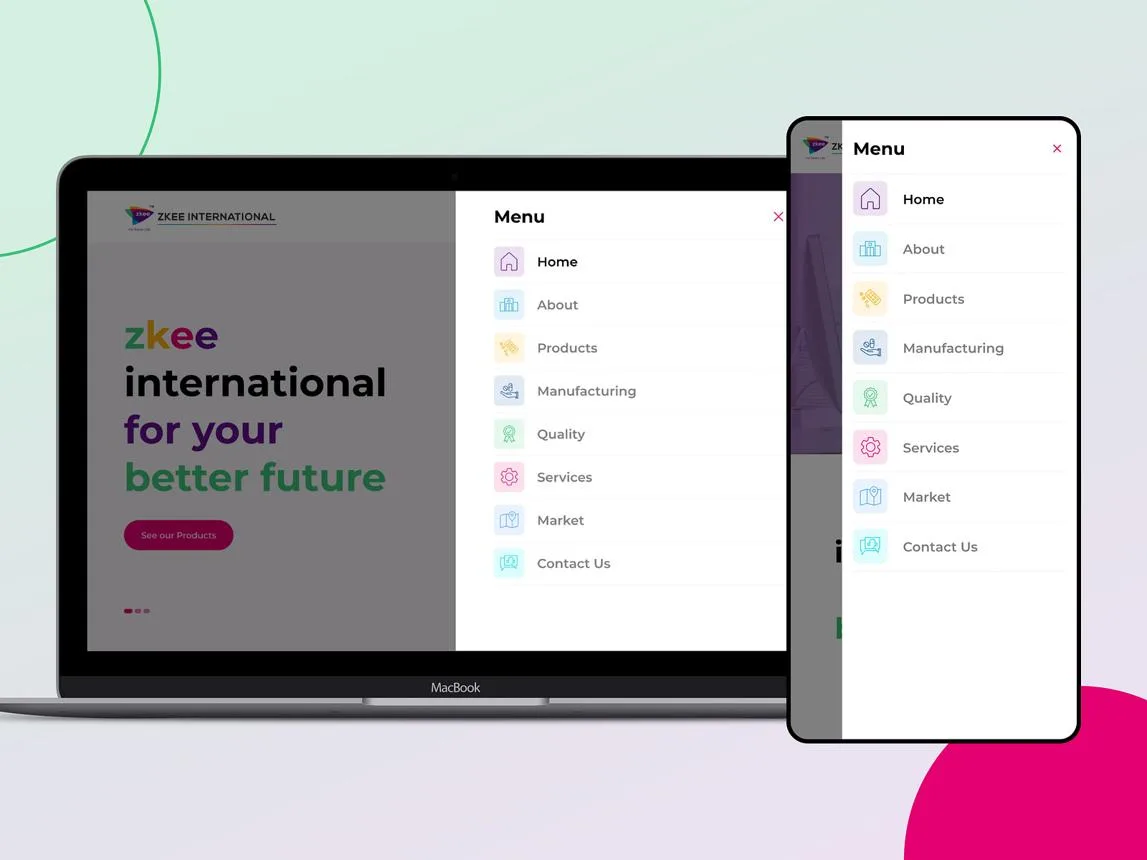
Visitors should not have to guess where to find important information.
A clear navigation structure helps people move through your website with less confusion.
For a typical business website, important sections may include:
Home.
About Us.
Services.
Products or Projects.
Blog or News.
Contact Us.
Use descriptive menu labels rather than complicated or unclear terms.
Keep navigation consistent across pages and ensure that important links are easy to identify.
A visitor looking for your telephone number or service information should be able to find it without navigating through unnecessary steps.
4. Design forms that are easy to complete
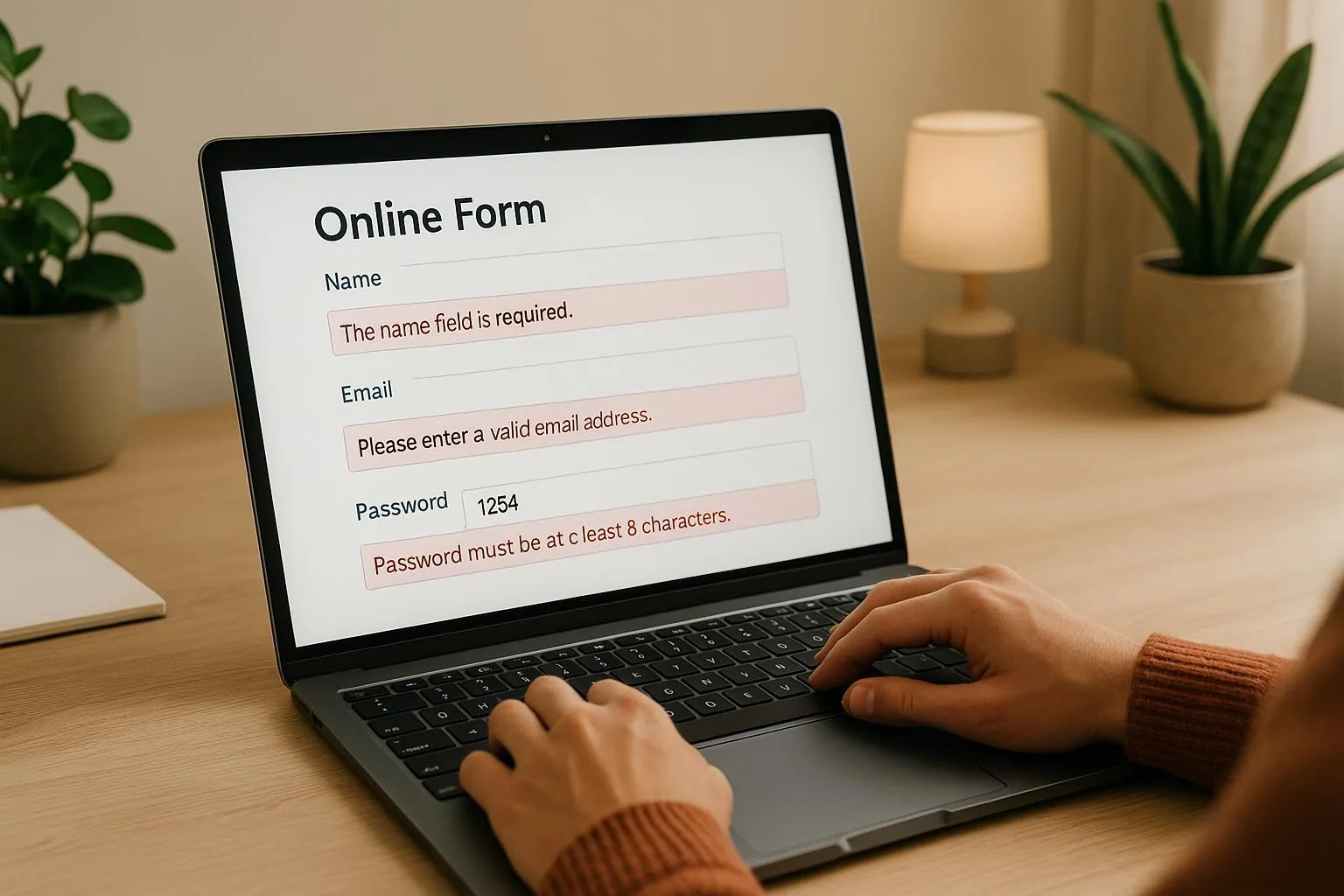
Contact forms, booking forms and enquiry forms are important business tools.
However, poorly designed forms can prevent potential customers from contacting your organisation.
For better accessibility:
Give every input field a clear label.
Explain which fields are required.
Use understandable error messages.
Do not rely on colour alone to indicate an error.
Make buttons easy to identify.
Ensure forms can be completed using a keyboard.
Provide clear confirmation after successful submission.
For example, instead of displaying only a red border around an incorrect email field, explain the problem with a message such as: "Please enter a valid email address."
This helps visitors understand what needs to be corrected.
5. Add alternative text to meaningful images
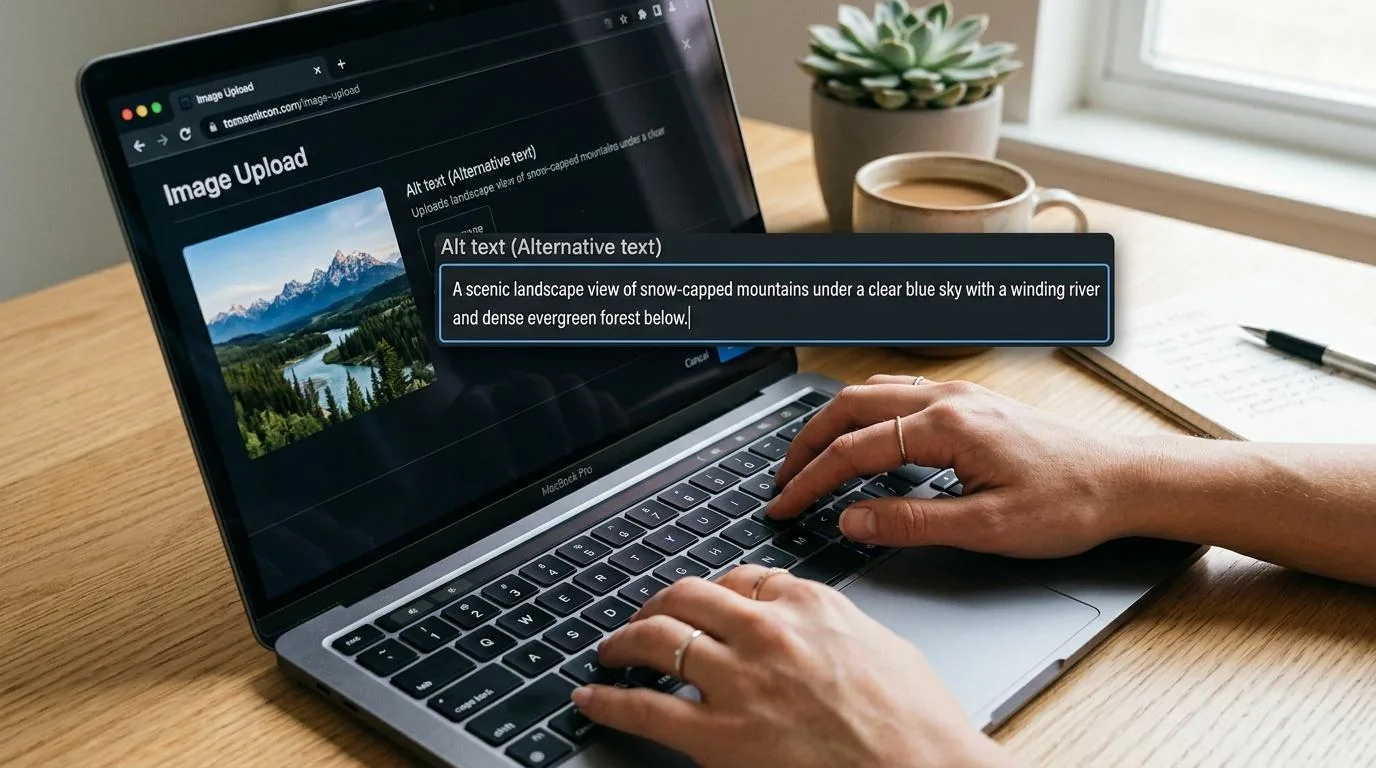
Images help businesses communicate visually, but not everyone can see them.
Screen readers can use alternative text, commonly called alt text, to describe meaningful images to visitors who cannot see them.
For example:
Weak alt text:
image123.jpgBetter alt text:
BrightLink Technologies team working on a website development project in Kigali
Good alt text should describe the useful information conveyed by an image.
For decorative images that do not add meaningful information, developers should use appropriate implementation so assistive technologies can ignore them.
Do not fill alt text with unnecessary keywords. Its main purpose is to communicate image meaning.
6. Make your website work without a mouse
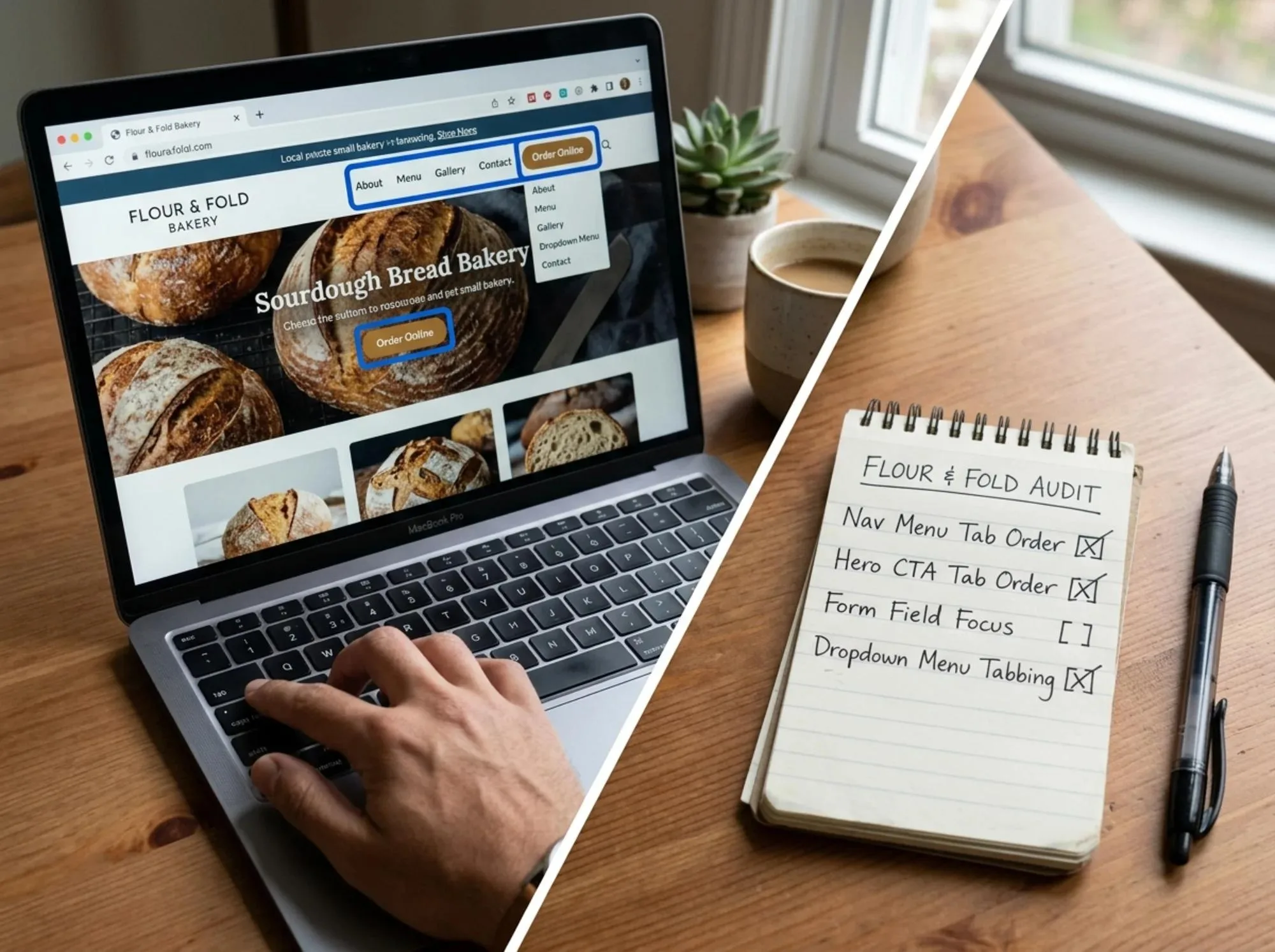
Some visitors navigate websites using keyboards or other input devices rather than a mouse.
Your website should therefore allow important actions to be completed without relying entirely on mouse interaction.
Test whether users can:
Move through links and buttons using the Tab key.
Activate buttons using the keyboard.
Navigate menus.
Complete forms.
Identify which element is currently selected.
Access important page content without becoming trapped in an interface.
A visible keyboard focus indicator helps visitors understand where they are on the page.
This is particularly important for complex menus, pop-ups, booking interfaces and online applications.
7. Make your website mobile-friendly
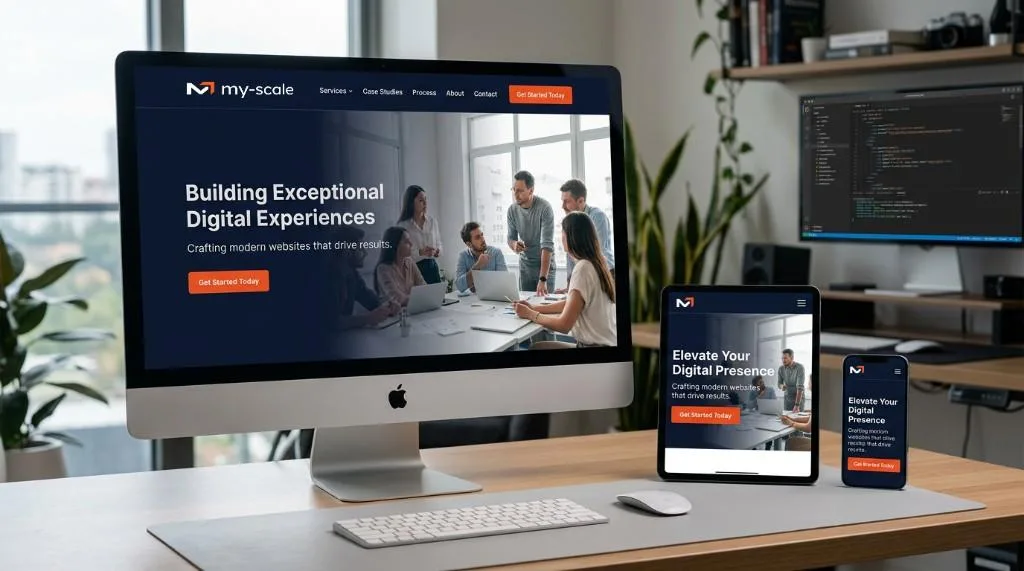
A website should provide a good experience across different screen sizes.
Mobile accessibility involves more than shrinking a desktop layout.
Consider:
Buttons that are comfortable to tap.
Text that remains readable on small screens.
Forms that fit mobile displays.
Menus that are easy to open and use.
Content that does not require unnecessary horizontal scrolling.
Adequate spacing between interactive elements.
A mobile-friendly website makes it easier for customers to access your business information while using smartphones.
8. Use clear headings and understandable language
A professional website should communicate clearly.
Long paragraphs, unclear headings and complicated instructions can make content difficult to understand.
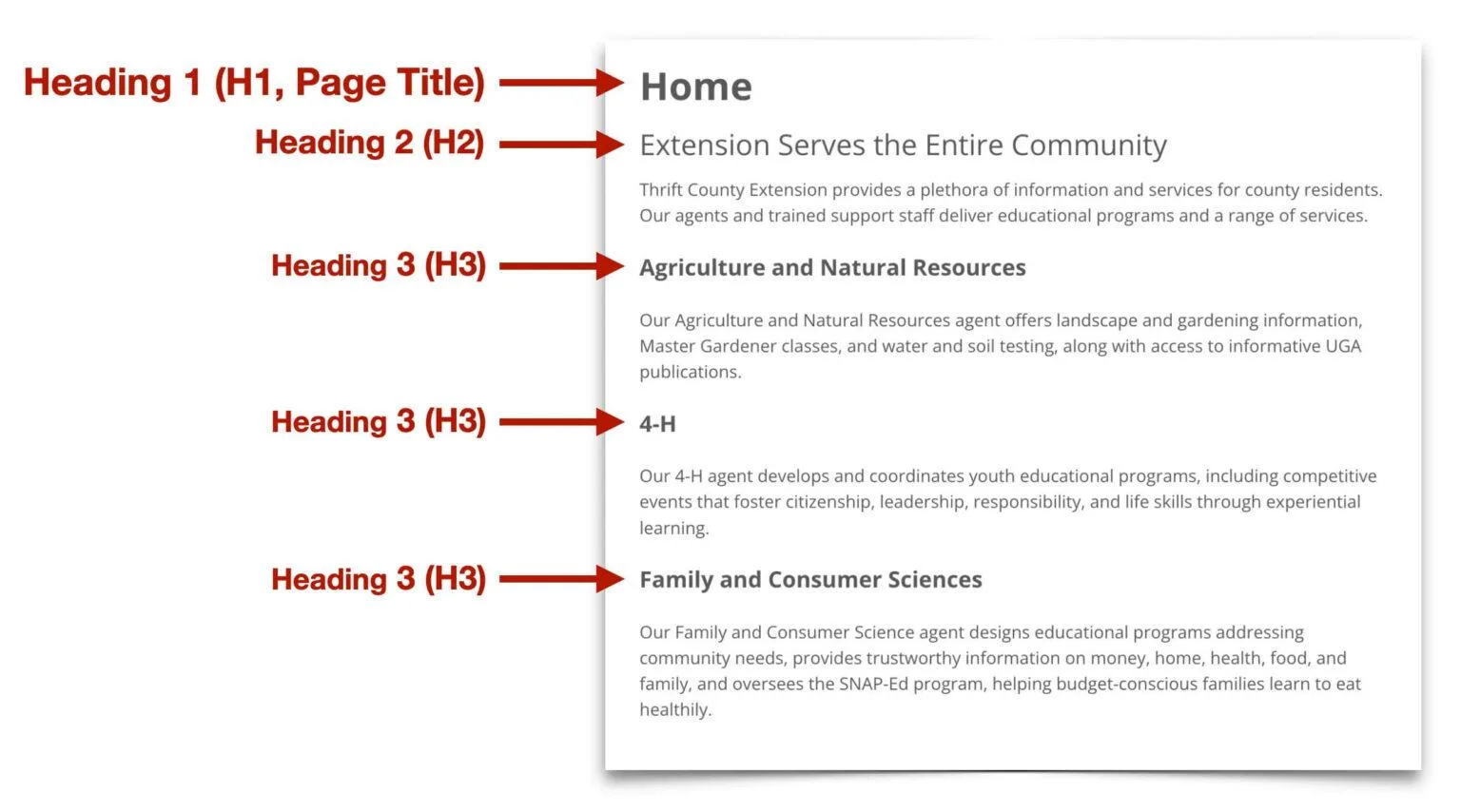
Organise your pages using logical heading levels:
One clear main heading for the page.
Relevant section headings.
Smaller headings for subsections.
Use short paragraphs, meaningful lists and descriptive link text.
For example, instead of using "Click here" for every link, use descriptive wording such as "View our website development services."
Clear content benefits all visitors, not only people with disabilities.
9. Test your website accessibility before launch
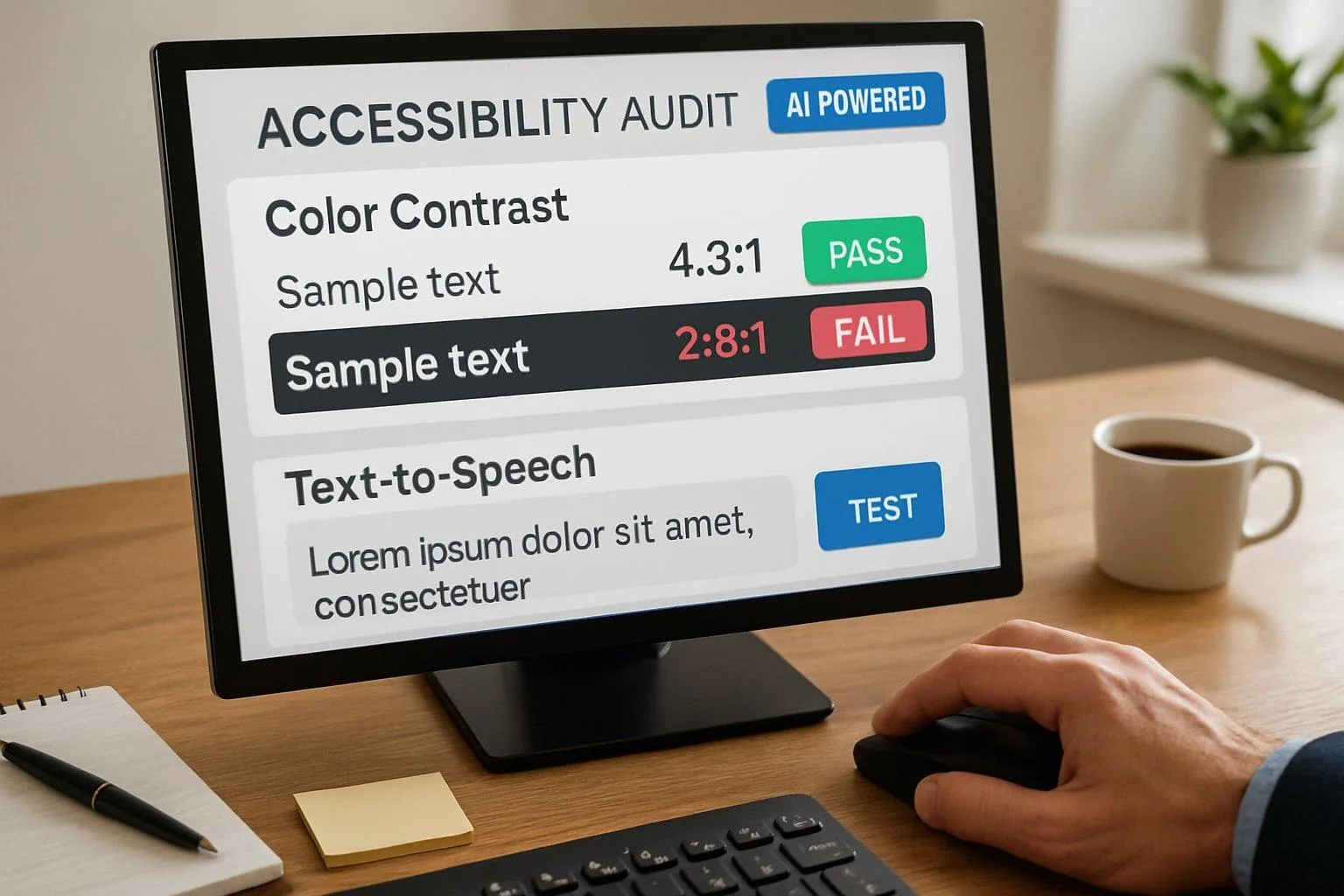
Accessibility should be tested during development and before a website is launched.
Useful checks include:
Colour contrast testing: Check whether text and important interface elements have sufficient contrast.
Keyboard testing: Navigate the website without using a mouse.
Screen reader testing: Check how important pages and interactive features are announced by assistive technologies.
Mobile testing: Test forms, menus, buttons and content on different screen sizes.
Automated testing: Use accessibility testing tools to identify potential problems.
Automated tools can identify some issues, but they cannot detect every accessibility problem. Manual testing and, where possible, feedback from people with different access needs are also valuable.
The W3C provides guidance on evaluating websites for accessibility and explains the importance of combining different testing approaches.
10. Follow recognised accessibility guidelines
Businesses and developers can use the Web Content Accessibility Guidelines (WCAG) 2.2 as a reference when planning accessible websites.
WCAG is organised around four principles:
Perceivable
Visitors should be able to perceive information through suitable text, images, sound and presentation.
Operable
Visitors should be able to navigate and interact with website features.
Understandable
Information, instructions and website behaviour should be clear.
Robust
Website content should work reliably with different browsers and assistive technologies.
Source: W3C Web Content Accessibility Guidelines 2.2.
W3C+1
These principles provide a useful foundation for planning, developing and reviewing websites.
A business does not need to wait until its website is complete before considering accessibility. It is easier to address many accessibility issues during the design and development stages.
How BrightLink Technologies Ltd can help
At BrightLink Technologies Ltd, we develop professional websites and digital solutions for businesses and organisations in Rwanda and beyond.
We believe a good website should not only look attractive. It should also be understandable, practical, responsive and easy for its intended audience to use.
Our services include:
Website Design and Development
We create responsive business websites, corporate websites, hotel websites, real estate platforms and e-commerce solutions.
Custom Software Development
We develop business applications and management systems designed around organisational requirements.
Digital Marketing and SEO
We help businesses improve their online visibility through search optimisation, content and digital marketing strategies.
Website Improvement and Technical Support
We help businesses review their websites, identify usability issues and plan technical improvements.
When developing a website, we can consider accessibility requirements alongside branding, functionality, performance and search engine optimisation.
Visit BrightLink Technologies Ltd to explore our digital solutions.
Conclusion: Build a website that welcomes more people
Your website represents your business to customers, partners and the wider community.
Making it accessible helps more people understand your information, navigate your pages and interact with your services.
Start with readable text, clear navigation, meaningful image descriptions, accessible forms and keyboard-friendly functionality. Test your website regularly and improve it as your business grows.
A professional website should not create unnecessary barriers between your business and the people it wants to serve.
Ready to build a more accessible, professional business website?
Contact BrightLink Technologies Ltd:
Website: brightlinkltd.com
Email: brighttlink@gmail.com
Phone: +250 782 567 921 / +250 795 263 269
Location: Kigali, Rwanda