


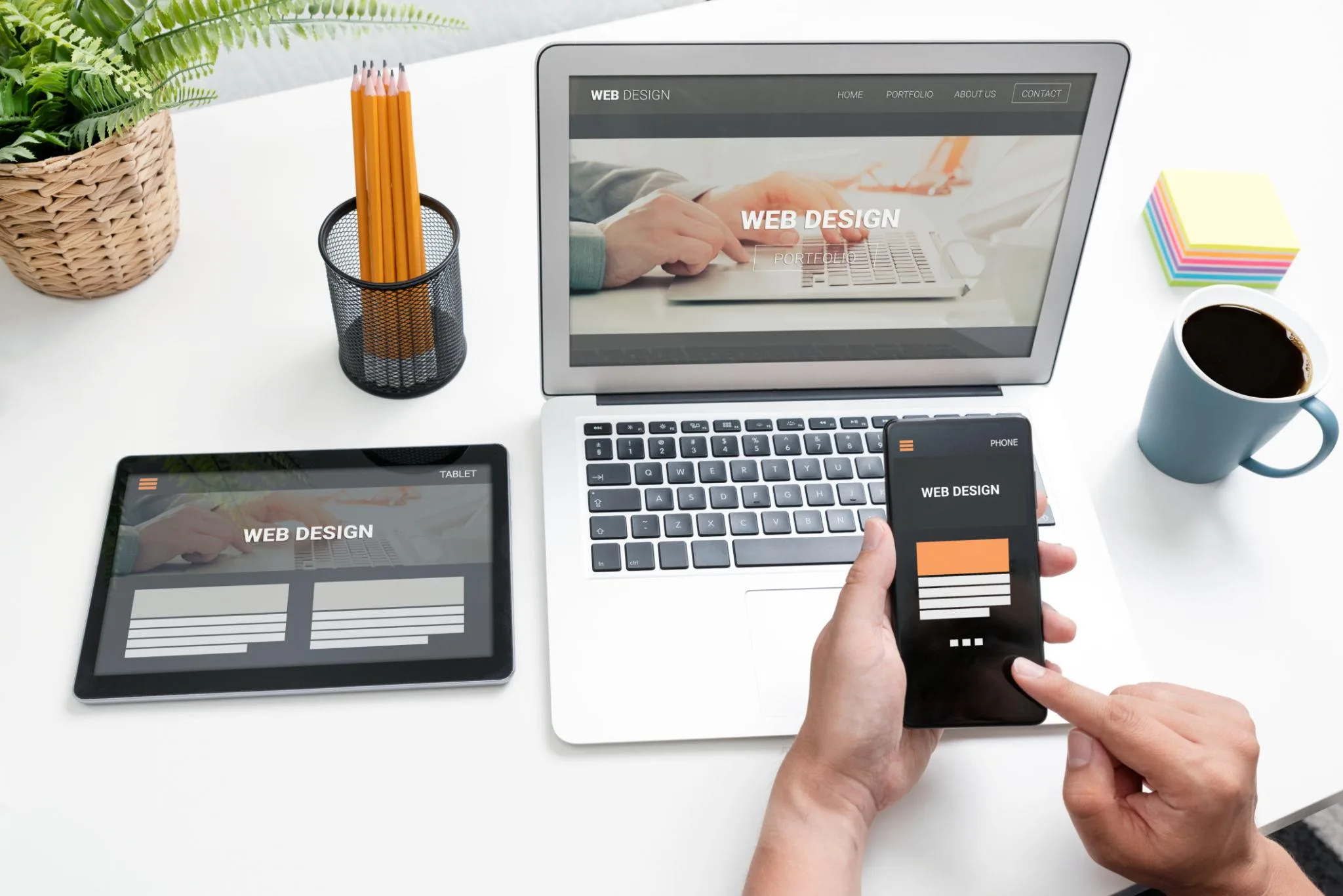
Having a business website is important, but simply putting your company online is not enough. A website must also be easy to use, understand, and navigate.
Imagine a potential customer visiting your website for the first time. They want to learn about your services, find your contact information, or request a quotation. However, the navigation is confusing, the pages take too long to load, and important information is difficult to find.
What happens next?
They may leave your website and look for another business that offers a better online experience.
This is why user-friendliness is one of the most important elements of professional website development.
A user-friendly website helps visitors find information easily, understand your business, interact with your services, and take action without unnecessary difficulties.
At BrightLink Technologies Ltd, we believe a good business website should combine professional design, reliable functionality, and a simple user experience.
So, what exactly makes a business website user-friendly?
Let's explore the key elements.
1. Simple and Clear Navigation
Website navigation helps visitors move between different pages and find the information they need.
If users cannot understand how to navigate your website, they may become frustrated and leave.
A user-friendly website should have a clear navigation structure with logically organized pages.
For example, a corporate website may include:
Home
About Us
Services
Projects or Portfolio
Blog or Insights
Contact Us
The navigation menu should use familiar words that visitors can understand immediately.
Avoid overcrowding menus with too many options. If your website contains many services or pages, organize them into meaningful categories or dropdown menus.
The goal is simple: visitors should not have to guess where information is located.
2. Fast Website Loading Speed
Website speed has a direct impact on the user experience.
Visitors generally expect pages to load quickly. When a website takes too long to display its content, people may leave before discovering what the business offers.
Slow websites can also make it harder for customers to complete important actions, such as submitting forms or browsing products.
Several factors can affect website performance:
Large, unoptimized images.
Unnecessary scripts and animations.
Poor hosting infrastructure.
Excessive third-party integrations.
Inefficient application code.
Poor caching and resource delivery.
A professionally developed website should be optimized to load efficiently across different devices and network conditions.
Image compression, appropriate image formats, caching, efficient code, and reliable hosting can all contribute to better performance.
For businesses serving customers in Rwanda, it is especially important to consider visitors using mobile networks and devices with different connection speeds.
3. Mobile-Friendly and Responsive Design
Many people access business websites using smartphones rather than desktop computers.
A website that looks attractive on a large screen but becomes difficult to use on a mobile device creates a poor experience for a significant part of its audience.
Responsive web design allows a website to adapt to different screen sizes, including:
Smartphones.
Tablets.
Laptops.
Desktop computers.
A mobile-friendly website should provide:
Readable text without unnecessary zooming.
Buttons that are easy to tap.
Navigation that works on smaller screens.
Properly displayed images.
Forms that are simple to complete.
Content that fits the available screen width.
Responsive design is not simply about making a desktop website smaller. It requires thoughtful consideration of how people interact with content on different devices.
4. Clear and Understandable Content
A website should communicate its message clearly.
When visitors arrive, they should quickly understand what your business does, what services you provide, and how you can help them.
Avoid using complicated language, unnecessary technical terms, or long paragraphs that make information difficult to understand.
Organize your content using:
Clear page headings.
Short paragraphs.
Descriptive subheadings.
Relevant images.
Bullet points where appropriate.
Clear explanations of products and services.
For example, instead of writing a vague heading such as "Our Solutions", a business could use a more descriptive heading such as "Professional Website Design and Development Services".
Clear content helps visitors understand your offerings and makes your website more useful.
5. Visible and Effective Call-to-Action Buttons
A business website should guide visitors toward meaningful actions.
These actions may include contacting your company, requesting a quotation, booking an appointment, purchasing a product, or subscribing to updates.
Call-to-action (CTA) buttons make these next steps easier to identify.
Examples include:
Request a Quote.
Contact Our Team.
Book an Appointment.
Get Started.
Explore Our Services.
Shop Now.
CTA buttons should be easy to see, use clear language, and lead to the correct destination.
For example, a construction company could place a "Request a Quotation" button on its services and project pages.
A hotel could provide a "Book a Room" button in a visible location.
A professional website should not force visitors to search through several pages just to contact the business.
6. Consistent and Professional Website Design
Design affects how visitors understand and experience your business.
A website with inconsistent colors, fonts, spacing, and image styles can appear disorganized.
A user-friendly website should have a consistent visual identity.
Important design elements include:
Brand Colors: Use colors that represent your business and maintain consistency throughout the website.
Typography: Choose readable fonts and establish a clear hierarchy between headings, subheadings, and normal text.
Spacing: Provide enough space between sections and elements so that content does not feel crowded.
Images: Use relevant, high-quality images that support your message.
Layout: Organize information in a predictable structure that visitors can understand.
Professional design is not about adding as many animations and visual effects as possible. It is about making information attractive, accessible, and easy to use.
7. Easy-to-Use Contact Forms and Communication Options
A business website should make communication straightforward.
If customers are interested in your services, they should be able to reach your team without unnecessary steps.
Depending on your business, useful contact options may include:
Contact forms.
WhatsApp links.
Click-to-call phone numbers.
Professional email addresses.
Appointment booking forms.
Location maps.
Contact forms should request only the information necessary to respond to an inquiry.
For example, a quotation request form might ask for a customer's name, contact details, service required, and a short project description.
Avoid asking visitors to complete unnecessarily long forms.
For businesses in Rwanda, convenient WhatsApp communication can also make it easier for customers to initiate conversations.
8. Accessibility for Different Users
A user-friendly website should be usable by people with different abilities and ways of interacting with technology.
Web accessibility helps make websites more inclusive.
Some useful accessibility practices include:
Providing meaningful alternative text for informative images.
Maintaining sufficient color contrast.
Using descriptive headings.
Making navigation accessible through a keyboard.
Providing labels for form fields.
Avoiding color as the only way to communicate important information.
Using clear and readable text.
Accessibility should be considered from the beginning of website design and development rather than added as an afterthought.
Following recognized accessibility guidance, such as the Web Content Accessibility Guidelines (WCAG), can help businesses build more inclusive websites.
9. Trust, Security, and Reliable Functionality
Visitors need confidence when interacting with your business online.
A website that displays security warnings, broken links, outdated information, or malfunctioning forms can reduce customer confidence.
Important elements include:
HTTPS Security: Use a valid SSL/TLS certificate to protect information exchanged between the website and its visitors.
Accurate Business Information: Display correct contact details, company information, and service descriptions.
Working Forms: Test contact forms and ensure inquiries reach the appropriate destination.
Privacy Information: Explain how personal information is collected and used where applicable.
Regular Maintenance: Keep website software, dependencies, and security configurations updated.
Reliable Backups: Maintain appropriate backups to support recovery if website information is lost or damaged.
A professional website should be reliable, not just visually attractive.
10. Useful Search and Filtering Features
Websites with large amounts of content need ways to help visitors find specific information.
For example, an e-commerce website may contain hundreds of products. A property website may display many available properties. A construction company may have completed projects across different categories.
Search and filtering features can help users locate relevant information without browsing every page.
Depending on the website, useful features may include:
Product search.
Category filters.
Project filtering.
Blog search.
Location filters.
Sorting options.
These features should be simple to understand and provide relevant results.
They are particularly valuable for websites with large product catalogs, project portfolios, or extensive content libraries.
11. Consistent Experience Across Different Browsers and Devices
Visitors may use different browsers, operating systems, and devices to access your website.
A website should be tested across common environments to identify layout problems, broken functionality, and inconsistent behavior.
Important testing areas include:
Chrome, Firefox, Safari, and Edge.
Android and iOS devices.
Different screen sizes.
Forms and interactive elements.
Navigation and menus.
Images and embedded media.
Cross-browser and device testing helps ensure that visitors receive a consistent experience regardless of how they access your website.
12. Regular Updates and Continuous Improvement
A user-friendly website is not something you build once and forget.
As your business grows, your website may need new services, updated information, improved functionality, and better ways to communicate with customers.
Regular improvement helps keep the website relevant and useful.
Businesses should periodically review:
Website performance.
Customer feedback.
Contact form submissions.
Broken links.
Mobile usability.
Content accuracy.
Search visibility.
Security and maintenance.
Website analytics can also help identify which pages visitors use most and where they may be leaving the website.
These insights can guide improvements based on actual user behavior.
How Can You Know Whether Your Website Is User-Friendly?
You can start by reviewing your website from the perspective of a first-time visitor.
Ask yourself these questions:
Can visitors understand what my business does within a few seconds?
Can they find my services without difficulty?
Does my website work properly on smartphones?
Do pages load within a reasonable time?
Is the content clear and easy to read?
Can customers contact my business easily?
Do all important buttons and forms work?
Does the website look professional and trustworthy?
Can visitors with different accessibility needs use it?
Is the website regularly maintained?
If you answer "no" to several of these questions, your website may need improvements.
You do not necessarily need to rebuild everything. Sometimes, improving navigation, content, mobile responsiveness, or page speed can make a significant difference.
Why Choose BrightLink Technologies Ltd for Professional Website Development?
BrightLink Technologies Ltd is a technology company based in Kigali, Rwanda, helping businesses establish and improve their digital presence through professional website development and digital solutions.
We understand that a business website should be designed around the needs of its visitors and the objectives of the company.
Our website development approach focuses on:
User-Centered Design
We create website experiences that make it easier for visitors to understand information and navigate between pages.
Responsive Development
We develop websites that adapt to smartphones, tablets, laptops, and desktop computers.
Performance Optimization
We consider website speed, image optimization, efficient code, and other technical factors that contribute to a better experience.
SEO Configuration
We configure important SEO elements to establish a foundation for search engine visibility.
Content Management Systems
Where required, we build content management functionality that allows authorized business users to update website content, images, and other information.
Business-Focused Functionality
We can develop contact forms, appointment booking, customer portals, e-commerce functionality, and other features according to project requirements.
Whether you need a corporate website, an e-commerce platform, a hotel website, or a custom web application, BrightLink can help you develop a solution that supports your business goals.
Conclusion: A User-Friendly Website Creates a Better Business Experience
A successful business website is not defined by appearance alone.
It is defined by how effectively it helps people find information, understand your services, interact with your business, and complete important actions.
Clear navigation, fast loading speed, responsive design, accessible content, effective communication options, security, and regular maintenance all contribute to a better user experience.
When these elements work together, your website becomes more than a digital brochure. It becomes a practical business tool that supports customer engagement and growth.
At BrightLink Technologies Ltd, we build professional websites and digital solutions designed to make businesses more accessible, credible, and effective online.
Ready to Improve Your Business Website?
Whether you are building a new website or improving an existing one, BrightLink Technologies Ltd can help you identify the right approach.
Visit https://brightlinkltd.com to explore our services and discuss your website development project.
BrightLink Technologies Ltd
Innovative Digital Solutions for Modern Businesses
Website: https://brightlinkltd.com
Email: info@brightlinkltd.com
Phone: +250 782 567 921 / +250 795 263 269
Location: Kigali, Rwanda
A great website does not make visitors work harder. It makes their experience easier.